Switching Light and Dark Mode
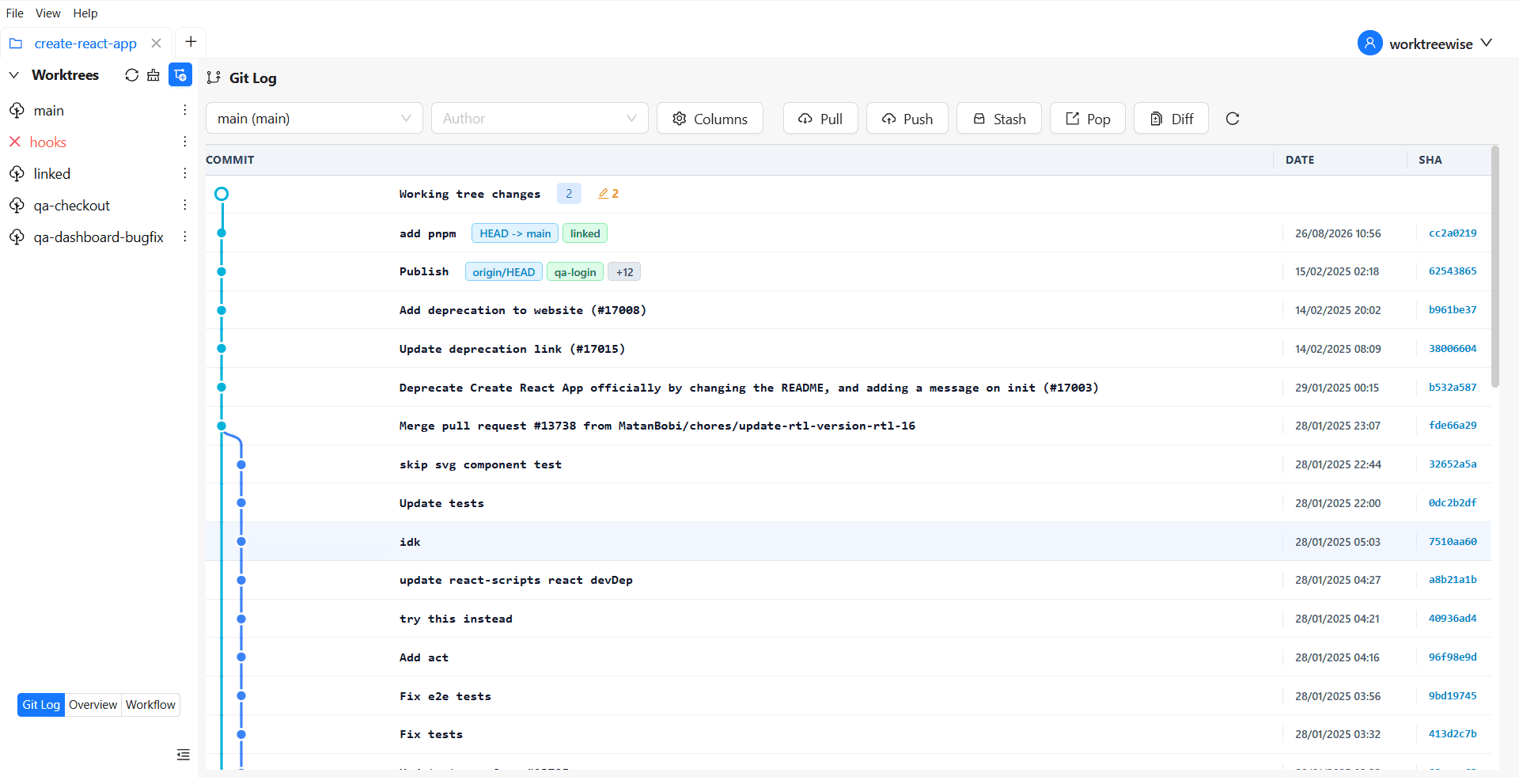
WorktreeWise provides both light and dark themes for an optimal user experience.
You can switch between light and dark mode using one of the following methods:
Method 1: Using the Menu Button
- Click on View in the menu.
- Select the Switch Theme option.
- The theme will instantly switch between light and dark mode.
Method 2: Using a Keyboard Shortcut
- Press Shift + T to toggle between light and dark mode instantly.
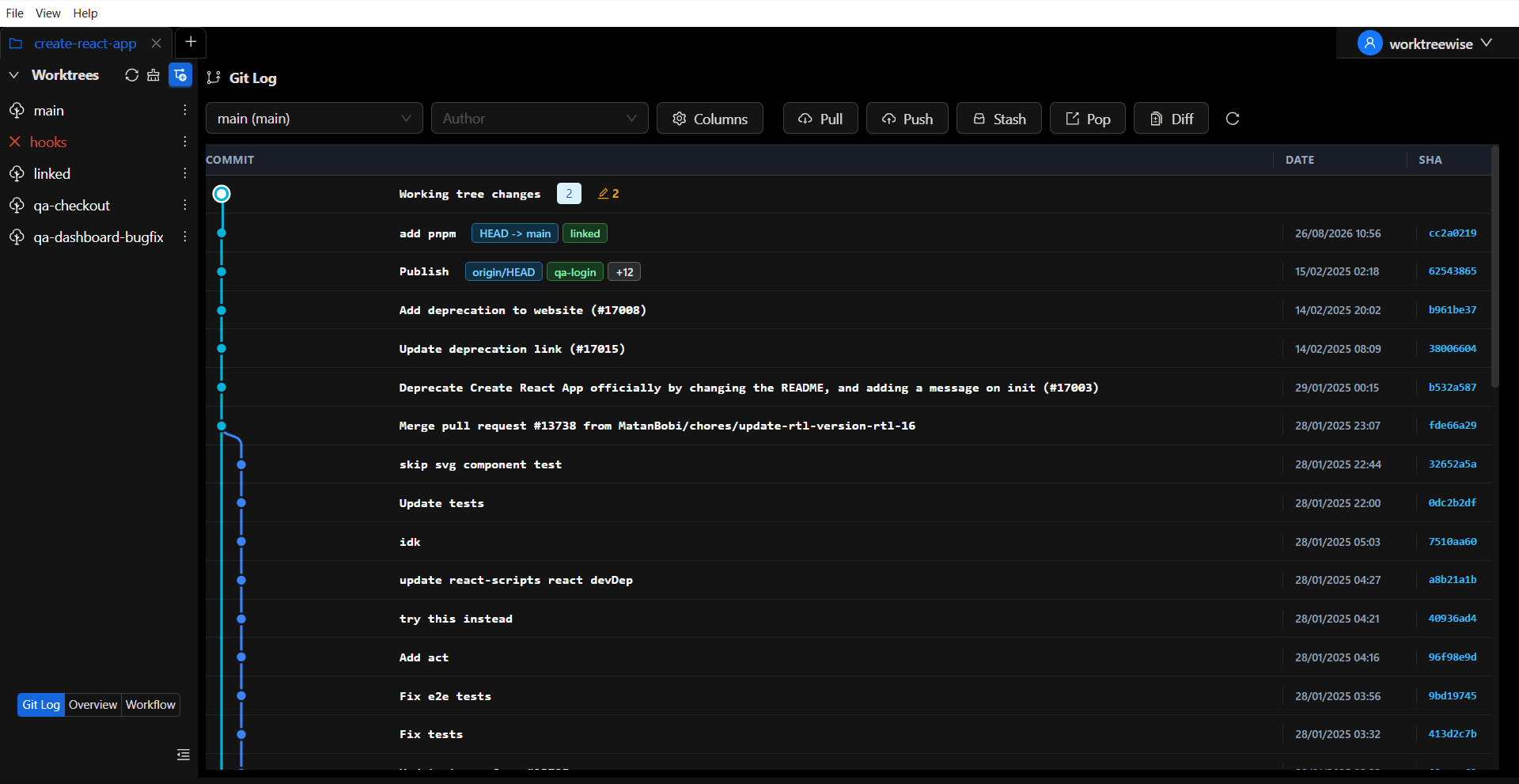
The selected theme is saved and applied automatically on the next launch.