Move a Git Worktree
Moving a Git worktree relocates its working directory to a new path on your filesystem while preserving all uncommitted changes, branches, and Git administrative connections.
Why Move Through WorktreeWise?
Linked worktrees maintain a two-way link with the primary repository:
- The
.gitfile inside the linked worktree points back to.git/worktrees/<name>in the main repository. - The
gitdirfile in.git/worktrees/<name>points forward to the linked worktree’s working directory.
If you move a worktree folder using your operating system’s file explorer or commands like mv or Move-Item, this bidirectional link breaks immediately. Git will report the worktree as missing and require manual repair.
WorktreeWise executes git worktree move, which atomically moves the physical folder and simultaneously updates Git’s internal pointer files.
How to Move a Worktree
- In the Worktrees panel, locate the worktree you want to relocate.
- Click the three-dot Actions menu and select Change Folder.
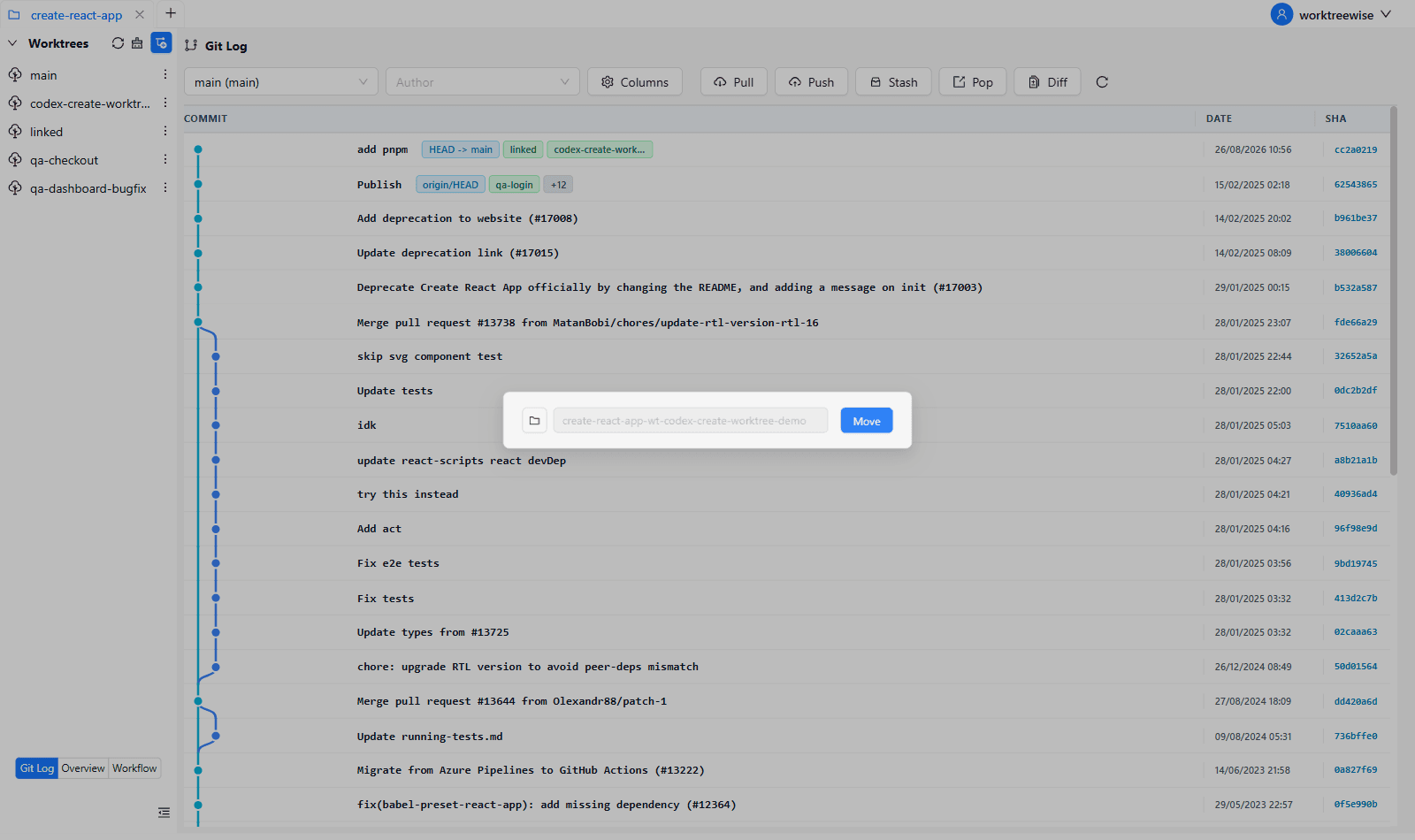
- In the modal dialog, review the current path.
- Click the folder icon to browse for a new destination directory, or type the new path directly.
- WorktreeWise validates that the destination directory does not already exist and is on a compatible filesystem.
- Click Move.
What Happens to Your Work
- Files & Modifications Preserved: All untracked files, modified files, and staged edits are transferred intact to the new folder.
- Branch Unchanged: The underlying Git branch name, upstream tracking, and commit history remain completely unaffected.
- IDE and Terminal Integration: Embedded terminal sessions and IDE configurations automatically update to target the new folder path.
The primary (main) worktree and any locked worktrees cannot be moved. Unlock a worktree first before moving it.