Rebase a Worktree
Rebase is useful when a feature branch must be updated onto the latest target branch while keeping a linear history.
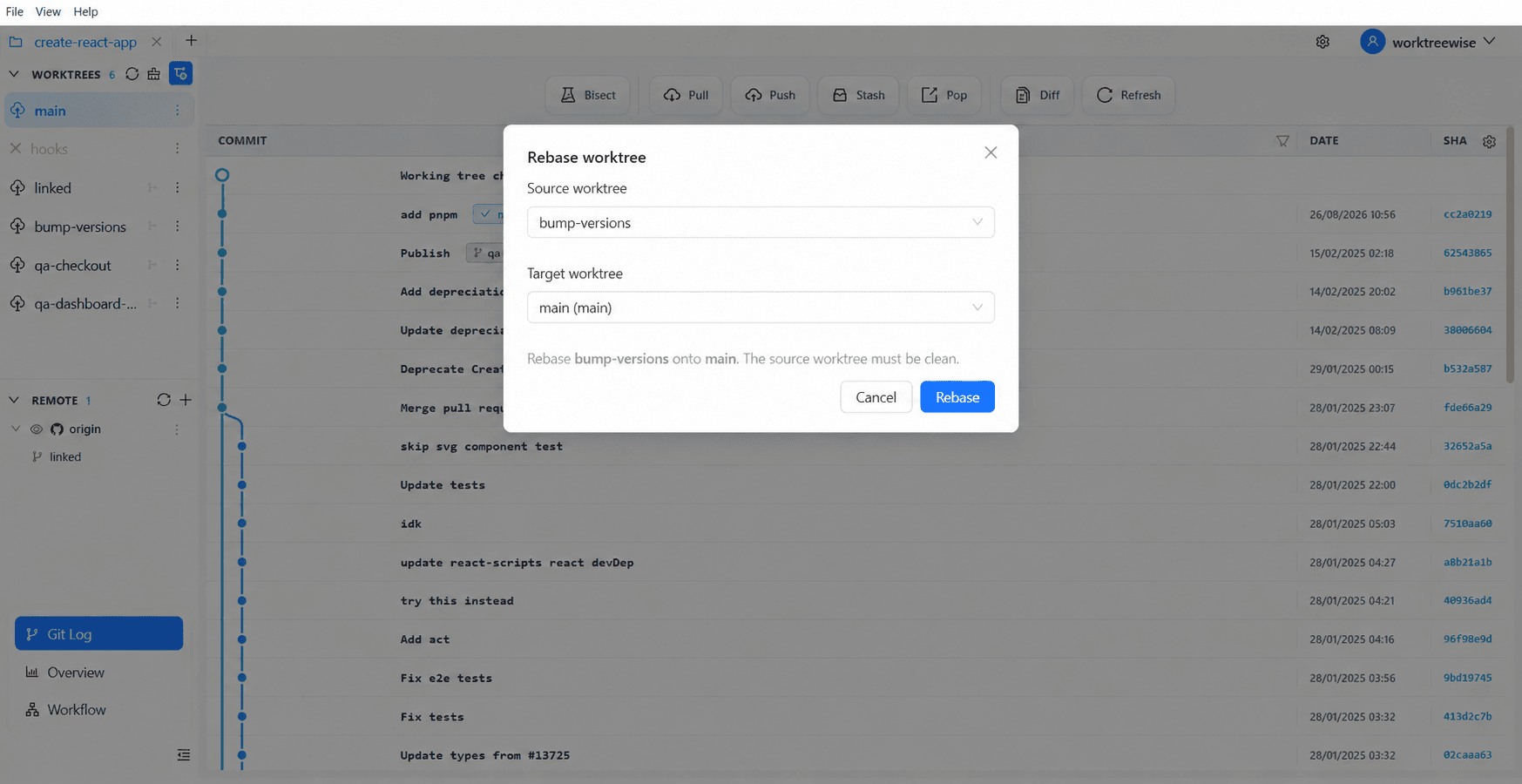
Run a rebase safely
- Select the worktree whose current branch will be rewritten.
- Open Rebase and choose the new base branch.
- Verify the current branch and selected base.
- Commit or stash unrelated changes before confirming.
- Start the rebase.
A rebase rewrites commit IDs. Avoid rebasing commits that other people already consume unless your team has agreed on the force-push and recovery process.
Resolve conflicts
If Git pauses on conflicts, WorktreeWise keeps the rebase in progress and lists every conflicted file. For each file, choose whether to keep the Source version (the commit being replayed) or the Target version (the branch being rebased onto). Continue rebase becomes available after all listed conflicts are resolved. Choose Abort rebase to restore the source branch instead.