Reset and Revert Commits
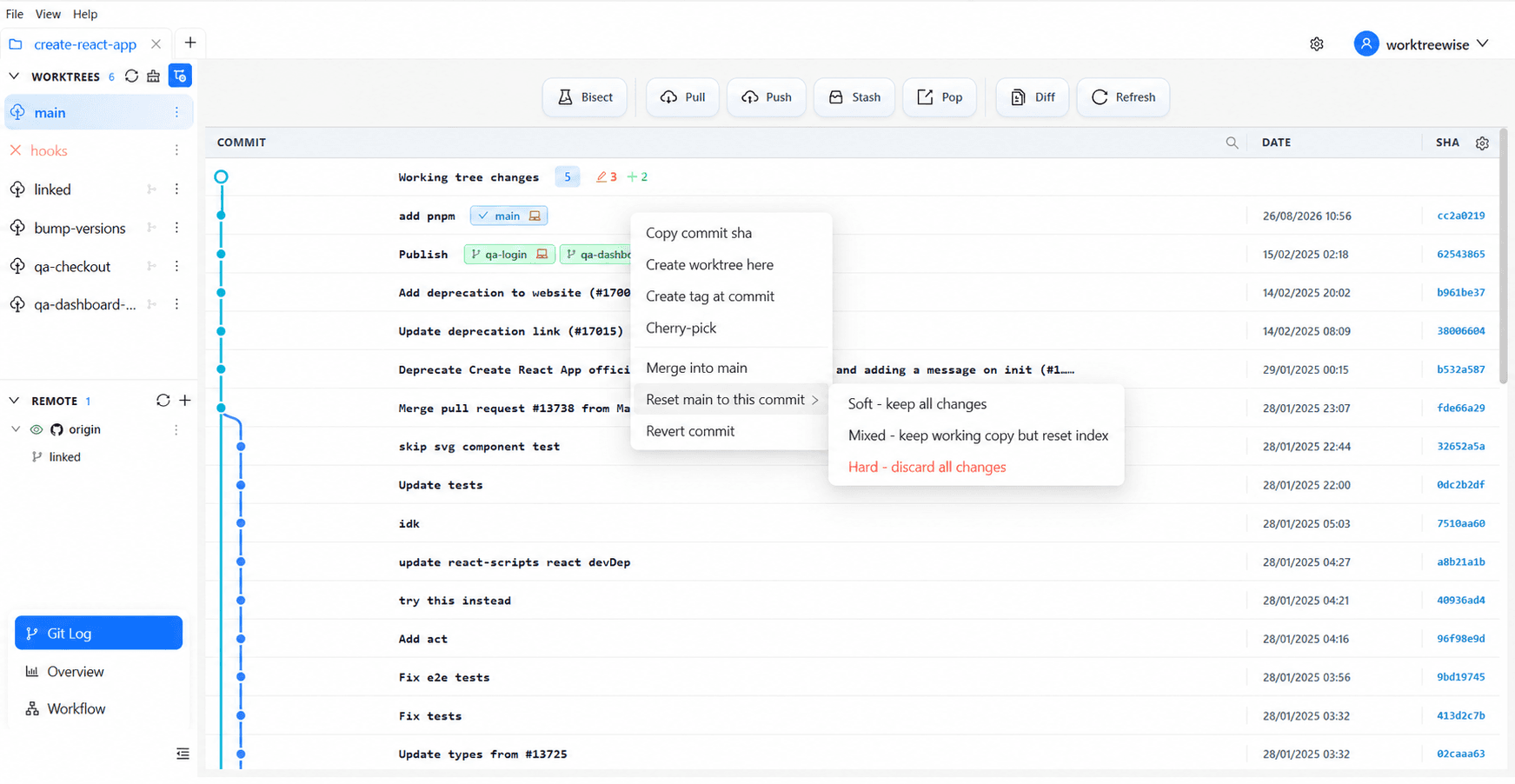
Reset and revert solve different problems. Reset moves the current branch to another commit and can discard later history. Revert preserves history by creating a new commit that reverses a selected change.
Reset
Use reset only after checking the target worktree, commit SHA, and reset mode. A hard reset can discard tracked working-tree changes and commits that have not been pushed elsewhere.
Revert
Use revert for shared history. Select the commit to undo, review its identity, and confirm. Git creates a new inverse commit, making the correction auditable and avoiding branch-pointer rewriting.
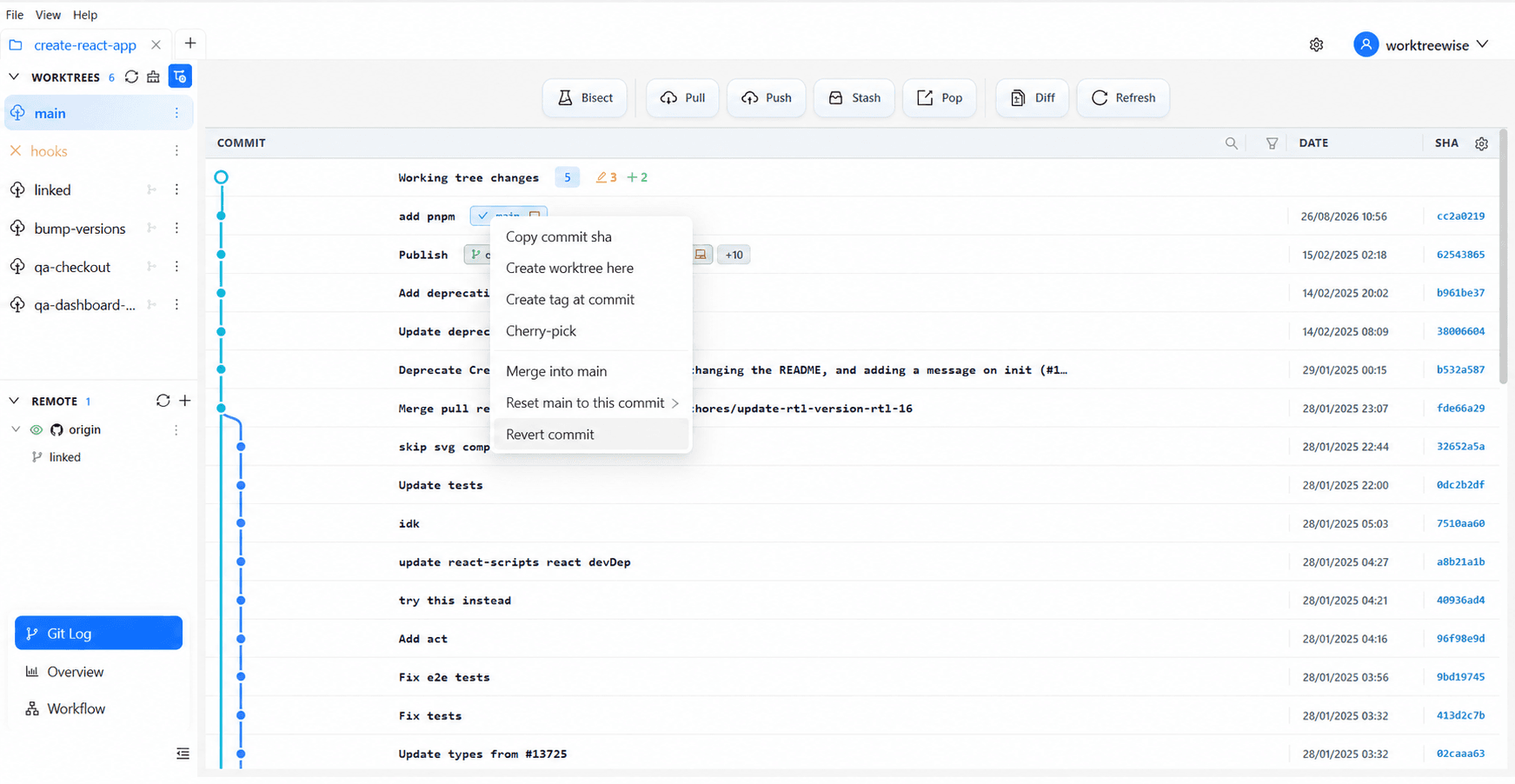
When unsure, prefer revert for published branches and create a backup branch before a destructive reset.