Cherry-pick a Commit
Use cherry-pick when one focused fix is needed in another branch but the rest of the source branch is not ready.
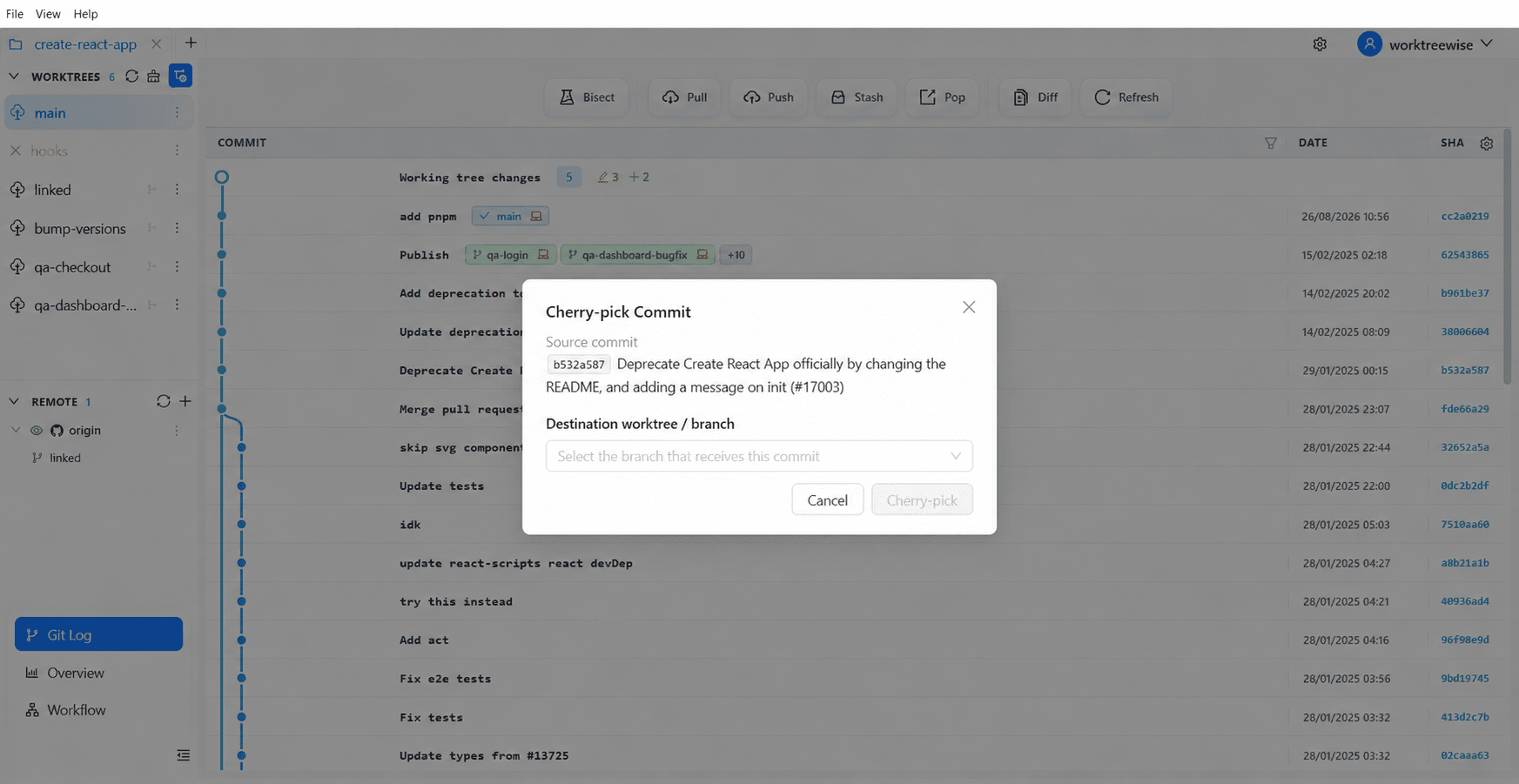
- Select the destination worktree.
- Search or browse to the source commit.
- Open the commit menu and choose Cherry-pick.
- Verify the SHA and commit message in the dialog.
- Confirm to apply the change to the destination branch.
Cherry-pick creates a new commit with a different SHA. If the patch conflicts with the destination branch, resolve and continue or abort using Git’s standard cherry-pick commands.