Per-worktree Git Configuration
A repository-wide Git setting is sometimes too broad. One worktree may need a different hook path, merge behavior, identity, or tool integration while the other worktrees keep the shared defaults.
Open the worktree actions menu and choose Per-worktree Git config.
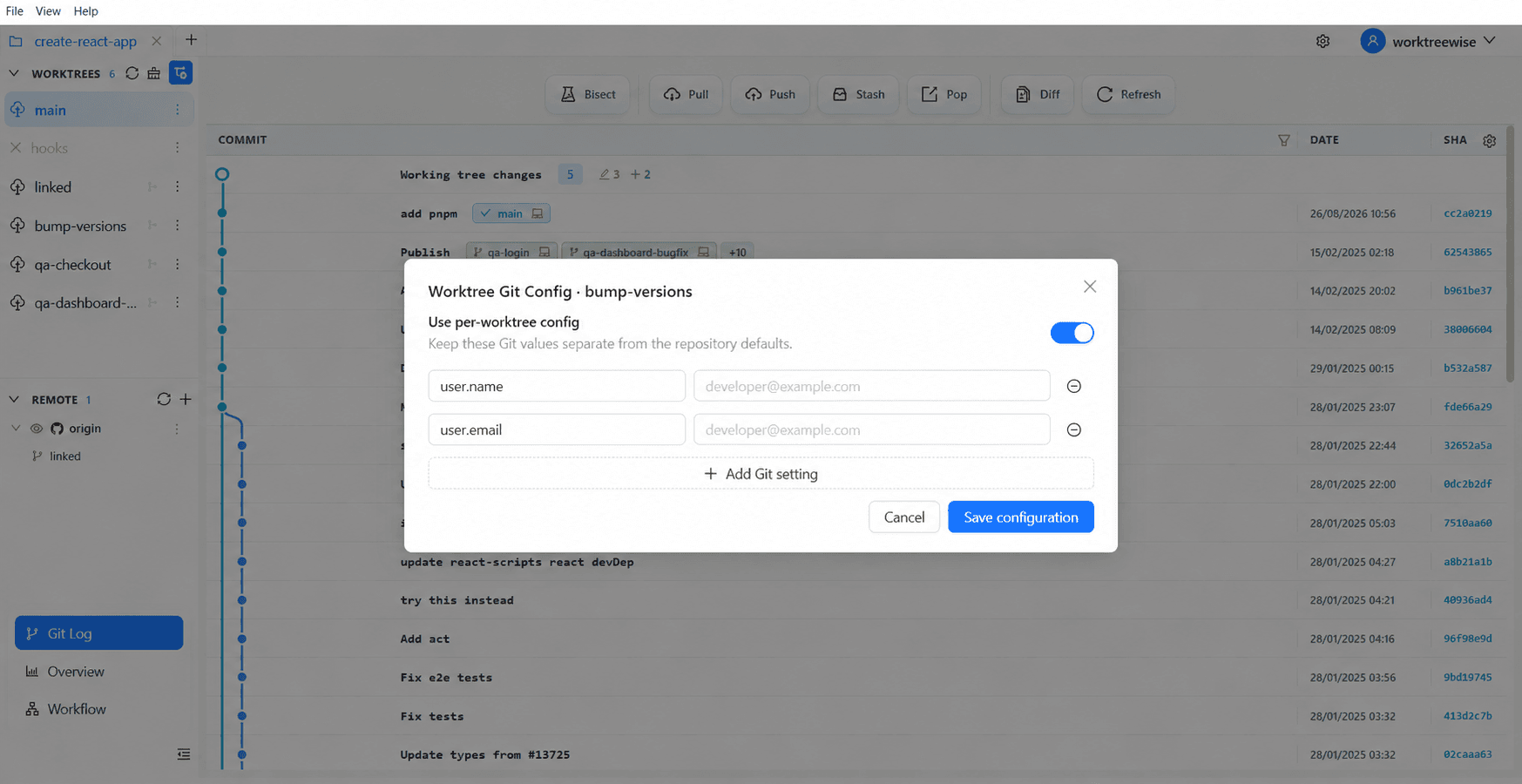
Add or edit a setting
- Select the target worktree.
- Enter the Git configuration key and value.
- Review the effective scope shown by the editor.
- Save the configuration.
WorktreeWise writes these entries using Git’s worktree-specific configuration scope. The setting affects only the selected checkout. Remove an entry when the worktree should inherit the repository or global value again. Use exact Git configuration keys and avoid storing secrets.